

8+ The Best WordPress Design Trends to Watch in 2026

WordPress continues to dominate the web design world in 2026, offering unmatched flexibility and creative freedom for developers, brands, and entrepreneurs.
Modern audiences now expect websites that load quickly, feel intuitive, and look visually striking on every device, pushing designers to adopt mobile-first approaches and lightweight frameworks that balance speed with aesthetics.
This year introduces bold innovations like AI-powered customization, advanced micro-interactions, and immersive scrolling effects that guide visitors through content in engaging ways.
Designers are blending minimalist layouts with expressive typography, rich gradients, and subtle animations to create interfaces that feel both modern and inviting.
Accessibility is becoming a non-negotiable priority, with features like dark mode, contrast-friendly color palettes, and voice-friendly navigation gaining momentum across industries. Brands are also leaning into data-driven personalization, enabling sites to adapt in real-time to user behavior and preferences.
By embracing these evolving WordPress design trends, you can keep your website relevant, strengthen your online presence, and deliver a polished, future-ready experience that captures attention and builds trust.
Table of Contents
- Why Staying Updated with Design Trends Matters?
- Key Elements Shaping Modern WordPress Designs
- Best 8+ WordPress Design Trends to Watch in 2026
- Tools and Plugins to Implement 2026 Design Trends
- Common Mistakes to Avoid When Applying New Designs
- Case Studies of Trend-Driven WordPress Success
1. Why Staying Updated with Design Trends Matters?
Keeping pace with design trends is more than just following what’s popular, and it’s about ensuring your website stays competitive, relevant, and engaging in a rapidly changing digital world. Modern users expect visually appealing layouts, seamless navigation, and interactive features that reflect current technology standards.
A site built with outdated designs can feel slow, untrustworthy, or less professional, which may drive visitors away. Adopting new trends enables you to enhance user experience, boost brand credibility, and create a lasting first impression that keeps audiences coming back.
Key Reasons to Stay Updated:
- Boosts User Engagement – Fresh, modern visuals encourage visitors to explore longer and interact more.
- Improves SEO Performance – Trend-focused designs often align with faster load times and mobile responsiveness.
- Builds Brand Trust -A website that feels current signals professionalism and reliability.
- Enhances User Experience – Updated layouts provide easier navigation and better accessibility for all users.
- Keeps You Competitive – Staying ahead ensures your site stands out against newer, trend-savvy competitors.
- Supports New Technology – Modern trends integrate better with AI tools, plugins, and future-ready frameworks.
- Encourages Conversions – A well-designed, updated site naturally drives more leads, sales, and sign-ups.
2. Key Elements Shaping Modern WordPress Designs
Modern WordPress designs in 2026 are driven by a blend of creativity, user-focused functionality, and cutting-edge technology. Today’s websites need to be visually appealing, fast, and adaptive to different devices while meeting SEO and performance standards. These evolving elements not only enhance user experience but also help brands build a strong, future-ready online presence.
Key Elements Defining Modern Designs
- Mobile-First Layouts – Prioritizing responsive frameworks ensures flawless performance across smartphones, tablets, and desktops.
- Minimalist Aesthetics – Clean, uncluttered layouts paired with bold typography create a premium, easy-to-navigate experience.
- Advanced Micro-Interactions – Subtle animations, hover effects, and scrolling transitions keep visitors engaged without slowing the site.
- AI-Powered Personalization – Dynamic features adapt content, layouts, or product suggestions based on user behavior in real time.
- Dark Mode & Accessibility – Inclusive design choices improve readability and give users control over their browsing experience.
- Performance-Optimized Visuals – Lightweight images, modern fonts, and optimized code deliver speed while maintaining high-quality visuals.
3. Best 8+ WordPress Design Trends to Watch in 2026
1. AI-Powered Personalization
Trend Highlight
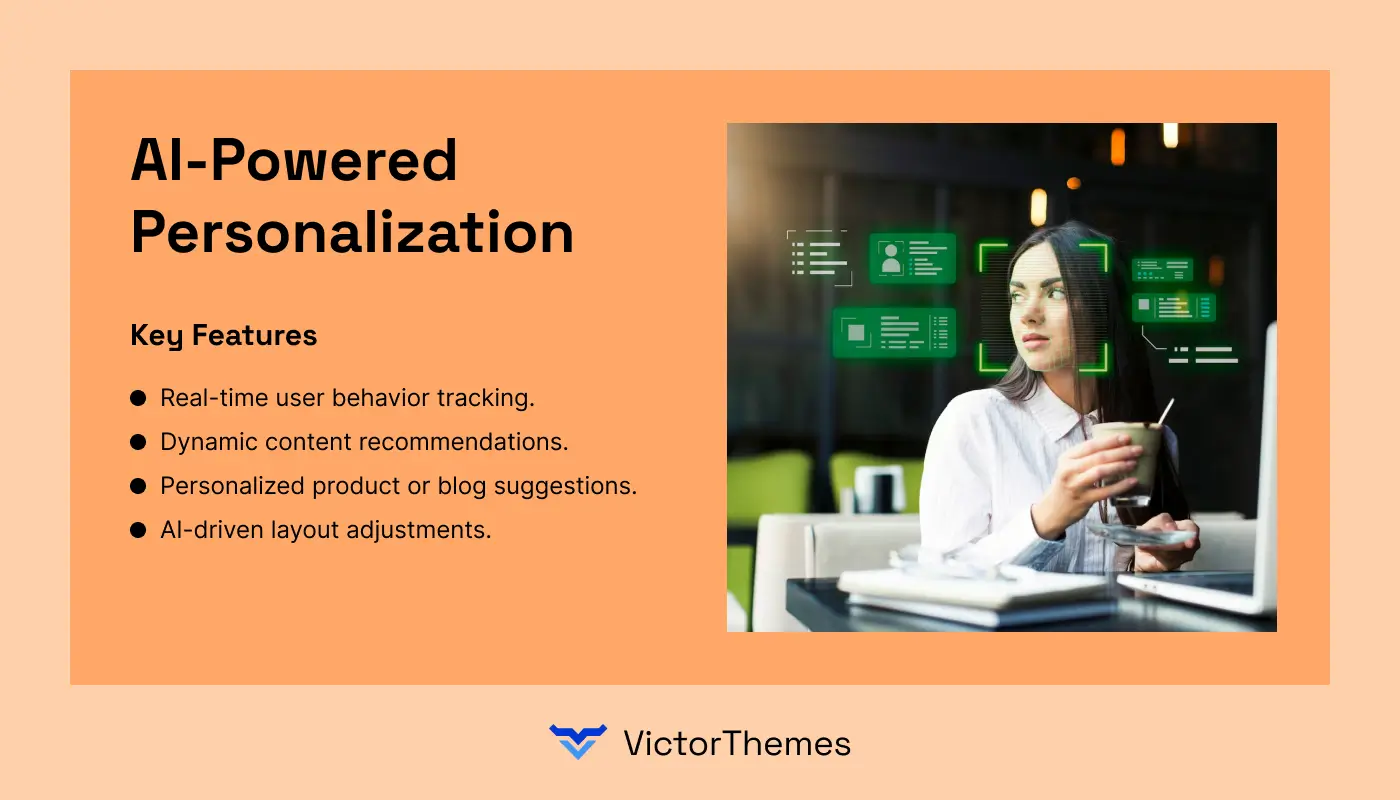
AI-Powered Personalization is transforming WordPress design in 2026 by delivering real-time, customized content to every visitor. It studies user behavior, preferences, and interactions to create tailored experiences that boost engagement and conversions.
Key Features
- Real-time user behavior tracking.
- Dynamic content recommendations.
- Personalized product or blog suggestions.
- AI-driven layout adjustments.
Why Use It
- Enhances user engagement by showing relevant content.
- Increases conversions through targeted recommendations.
- Builds stronger connections with returning visitors.
Pricing
Costs vary based on the plugin or tool used (typically $20–$50/month for premium solutions).
2. Mobile-First & Responsive Design
Trend Highlight
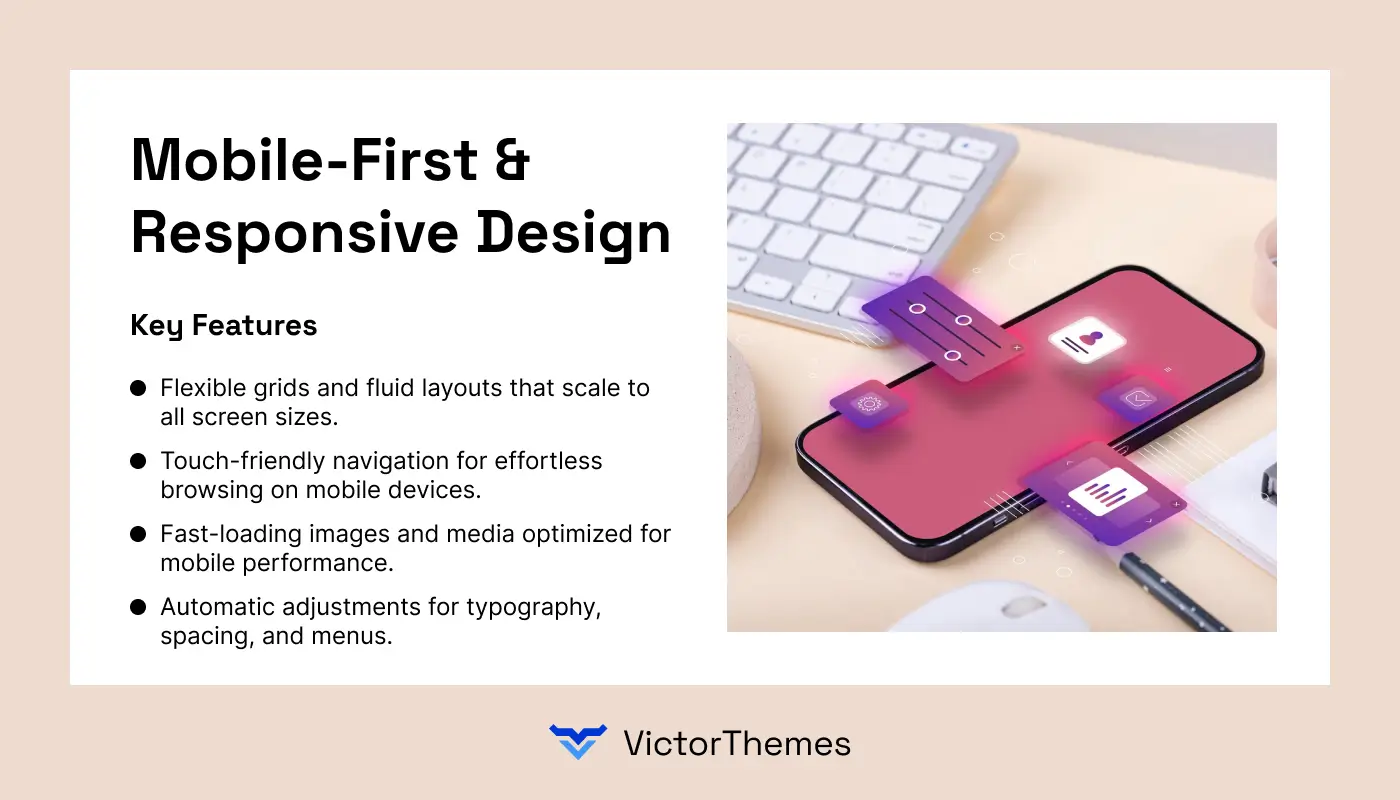
Mobile-First & Responsive Design remains one of the most important WordPress trends for 2026, ensuring websites deliver a seamless experience on smartphones, tablets, and desktops. With mobile traffic dominating the web, this approach prioritizes smaller screens first, creating layouts that adapt beautifully to any device.
Key Features
- Flexible grids and fluid layouts that scale to all screen sizes.
- Touch-friendly navigation for effortless browsing on mobile devices.
- Fast-loading images and media optimized for mobile performance.
- Automatic adjustments for typography, spacing, and menus.
Why Use It
- Improves user experience across every device.
- Boosts search rankings as Google prioritizes mobile-friendly sites.
- Reduces bounce rates by providing consistent design and functionality.
Pricing
Implementation depends on your theme or plugin choice. Many modern WordPress themes include responsive features by default, while premium mobile-optimized themes or page builders typically range from $30–$80.
3. Dark Mode Integration
Trend Highlight
Dark Mode Integration is gaining strong momentum in 2026 as more WordPress websites adopt darker color palettes to reduce eye strain and provide a sleek, modern look. This design approach not only enhances visual appeal but also improves readability in low-light environments, catering to users who prefer an alternative to traditional bright interfaces.
Key Features
- Adjustable dark/light theme toggle for user control.
- Improved readability and contrast in low-light settings.
- Energy-efficient display for OLED and AMOLED screens.
- Seamless integration with existing WordPress themes and plugins.
Why Use It
- Enhances accessibility and comfort for nighttime browsing.
- Offers a stylish, premium aesthetic that feels current and trendy.
- Helps reduce eye fatigue, keeping visitors engaged longer.
Pricing
Many free and premium plugins provide dark mode functionality, with prices typically ranging from free to $40, depending on advanced customization and automatic switching features.
4. Minimalist & Clean Layouts
Trend Highlight
Minimalist & Clean Layouts continue to dominate WordPress design in 2026, focusing on simplicity, clarity, and purposeful use of space. By removing unnecessary clutter and emphasizing essential elements, this design approach creates a modern aesthetic that enhances readability and directs attention to key content.
Key Features
- Generous white space for a balanced, airy feel.
- Bold typography to highlight important messages.
- Streamlined navigation with fewer distractions.
- Lightweight design for faster loading and smoother performance.
Why Use It
- Improves user focus by highlighting core content and CTAs.
- Delivers a professional, timeless appearance that works across industries.
- Reduces maintenance with cleaner code and fewer design elements.
Pricing
Most modern WordPress themes include minimalist options at no extra cost, while premium clean-design themes or page builders generally range from $25–$70, depending on features and customization options.
5. Advanced Micro-Interactions
Trend Highlight
Advanced Micro-Interactions are becoming a standout WordPress design trend in 2026, adding subtle animations and visual cues that guide user actions and create a more interactive browsing experience. These small but powerful effects – like hover states, button animations, or scrolling transitions, enhance usability while making websites feel lively and engaging.
Key Features
- Hover animations for buttons, images, or menu items
- Smooth scrolling effects to reveal content gradually
- Real-time feedback for clicks, form submissions, or actions
- Lightweight motion design that doesn’t slow site performance
Why Use It
- Improves user engagement by providing immediate visual feedback
- Creates a polished, premium feel without overwhelming the layout
- Helps direct attention to important content or calls-to-action
Pricing
Advanced micro-interactions can be achieved with free or premium plugins, such as animation builders or page editors, with pricing typically ranging from free to $50, depending on complexity and customization.
6. Immersive Scrolling & Parallax Effects
Trend Highlight
Immersive Scrolling & Parallax Effects are transforming WordPress design in 2026 by creating dynamic, story-driven experiences that keep visitors engaged as they move through a page. These techniques use layered backgrounds and smooth transitions to add depth, making content feel interactive and visually captivating.
Key Features
- Multi-layered parallax backgrounds for a 3D-like effect.
- Smooth, scroll-triggered animations that reveal content gradually.
- Dynamic storytelling layouts guide users through sections.
- Optimized performance to maintain fast loading speeds.
Why Use It
- Captures attention with visually striking, movement-based designs.
- Enhances user engagement by encouraging visitors to explore more.
- Adds a premium, high-end feel to portfolios, creative agencies, and product showcases.
Pricing
Plugins and page builders offering parallax and scrolling effects range from free to $60, depending on customization options and animation complexity.
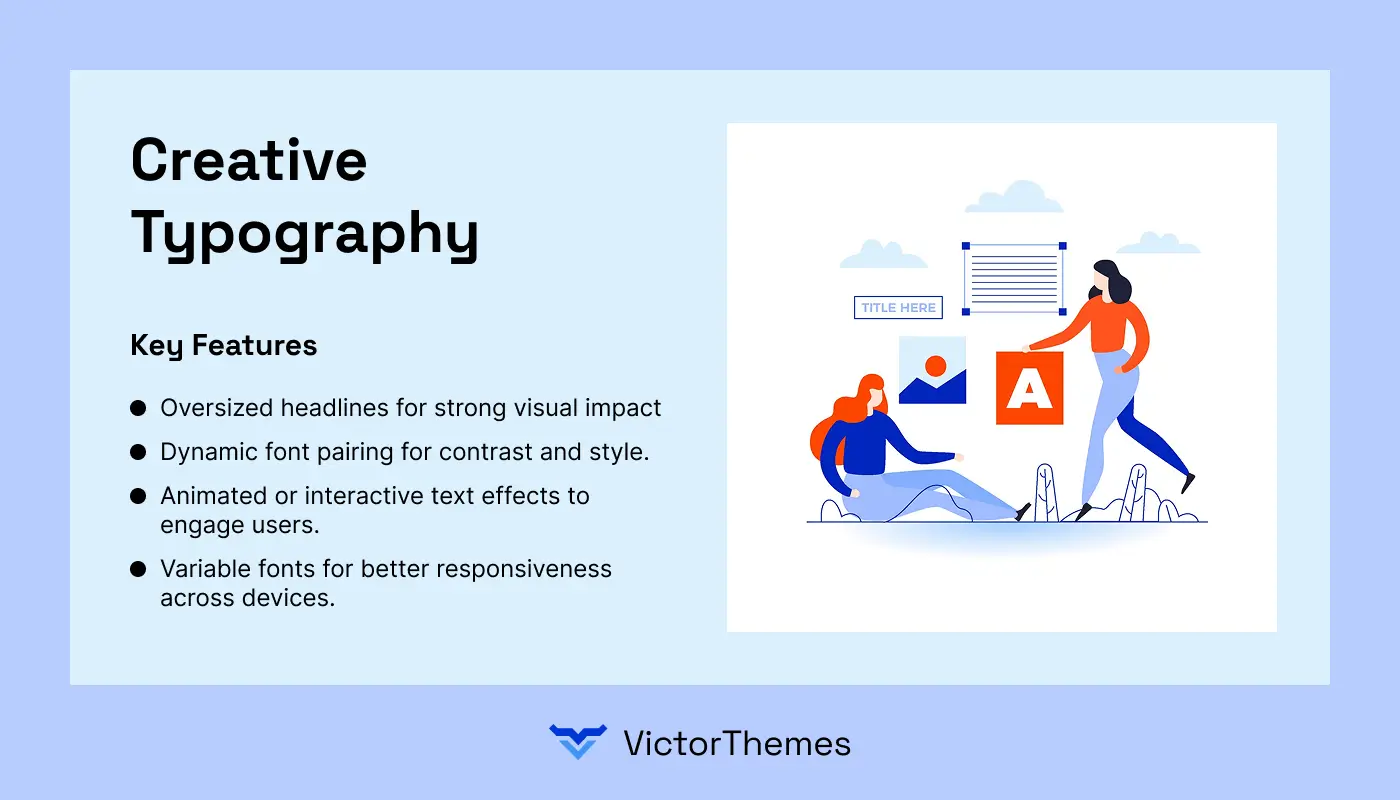
7. Creative Typography
Trend Highlight
Creative Typography is taking center stage in WordPress design for 2026, using bold fonts, unique letter spacing, and expressive text styles to create striking visual identities. By combining artistic typefaces with strategic layouts, designers can capture attention, improve readability, and reinforce brand personality in a way that feels both modern and memorable.
Key Features
- Oversized headlines for strong visual impact.
- Dynamic font pairing for contrast and style.
- Animated or interactive text effects to engage users.
- Variable fonts for better responsiveness across devices.
Why Use It
- Strengthens brand identity with distinctive typographic choices.
- Improves content hierarchy, guiding users through key messages.
- Enhances overall aesthetics without heavy reliance on images.
Pricing
Creative typography can be implemented using free or premium WordPress themes and plugins, with advanced typography tools typically ranging from free to $40 for premium fonts and design controls.
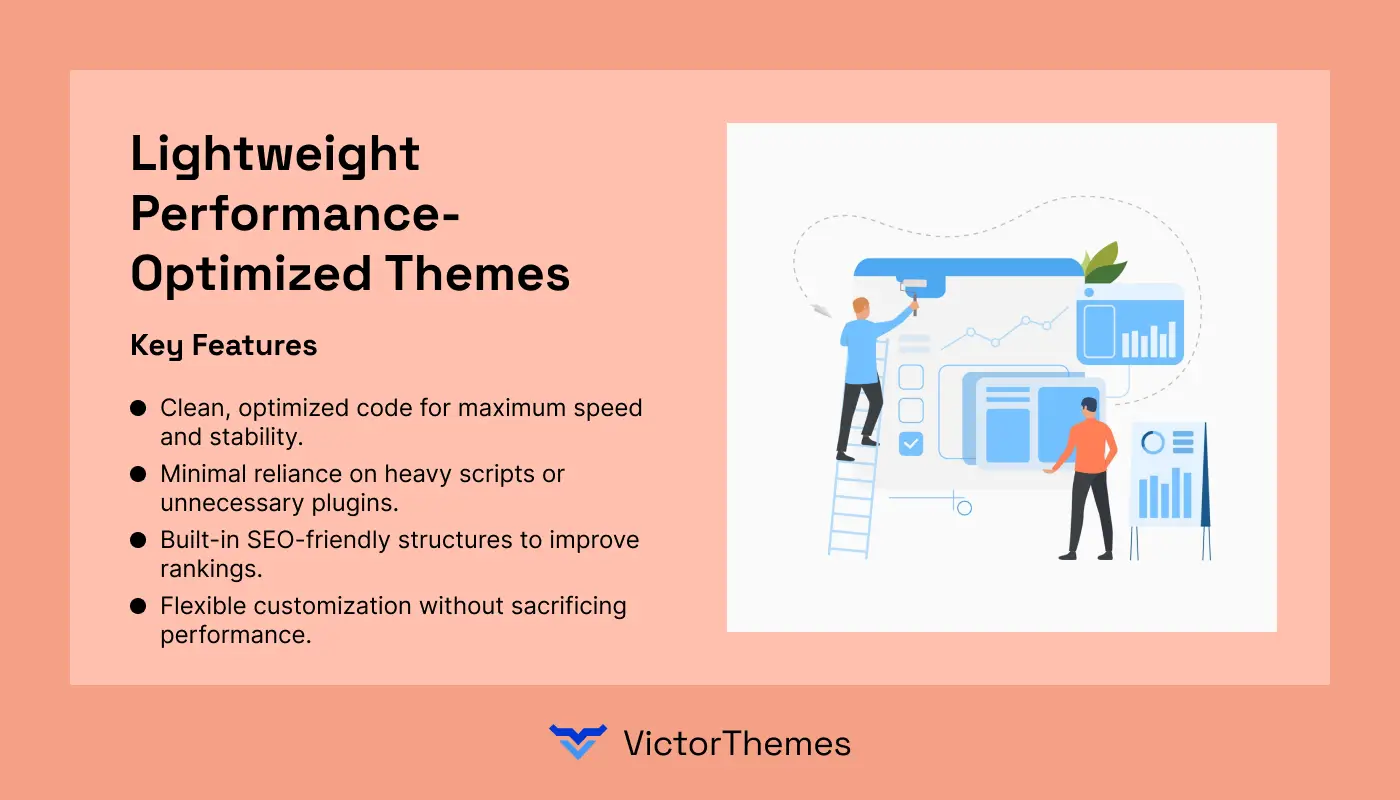
8. Lightweight Performance-Optimized Themes
Trend Highlight
Lightweight Performance-Optimized Themes are a top WordPress design focus for 2026, combining sleek aesthetics with blazing-fast performance. These themes are built with clean code, minimal bloat, and efficient frameworks, ensuring your site loads quickly while maintaining a professional, modern look.
Key Features
- Clean, optimized code for maximum speed and stability.
- Minimal reliance on heavy scripts or unnecessary plugins.
- Built-in SEO-friendly structures to improve rankings.
- Flexible customization without sacrificing performance.
Why Use It
- Improves Core Web Vitals, boosting SEO and Google rankings.
- Enhances user experience by reducing page load times.
- Provides a stable foundation for high-traffic or content-heavy websites.
Pricing
Lightweight premium themes typically range from free to $70, with popular options like GeneratePress, Astra, and Neve offering both free versions and advanced paid plans.
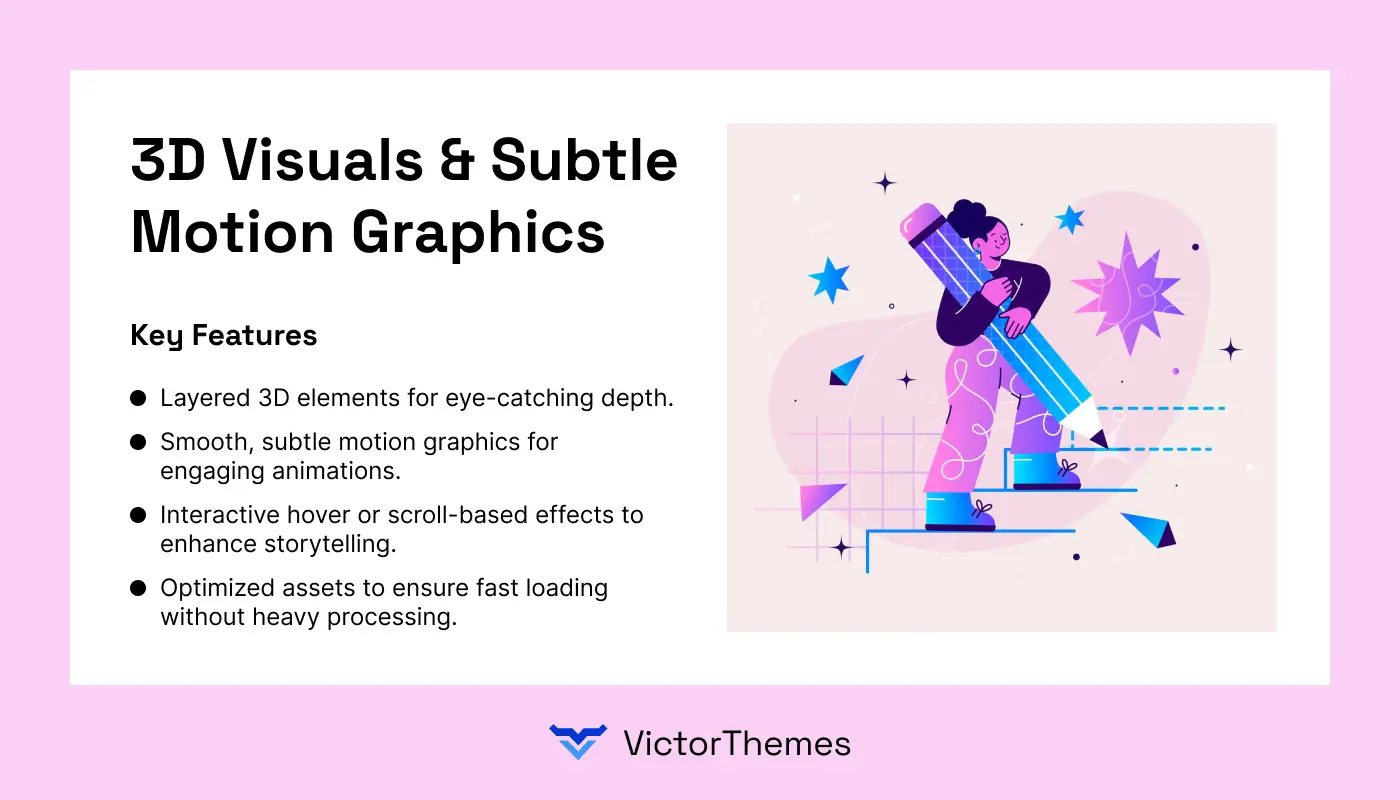
9. 3D Visuals & Subtle Motion Graphics
Trend Highlight
3D Visuals & Subtle Motion Graphics are redefining WordPress design in 2026 by adding depth, realism, and smooth visual movement to websites. These effects create a more immersive browsing experience, capturing user attention while maintaining a lightweight, performance-friendly framework that doesn’t compromise speed.
Key Features
- Layered 3D elements for eye-catching depth.
- Smooth, subtle motion graphics for engaging animations.
- Interactive hover or scroll-based effects to enhance storytelling.
- Optimized assets to ensure fast loading without heavy processing.
Why Use It
- Captivates visitors with a modern, premium design aesthetic.
- Encourages users to explore content through interactive visuals.
- Strengthens brand identity with creative, memorable experiences.
Pricing
Implementing 3D visuals and motion graphics can be done with free plugins or premium tools, typically ranging from free to $80, depending on animation complexity and design requirements.
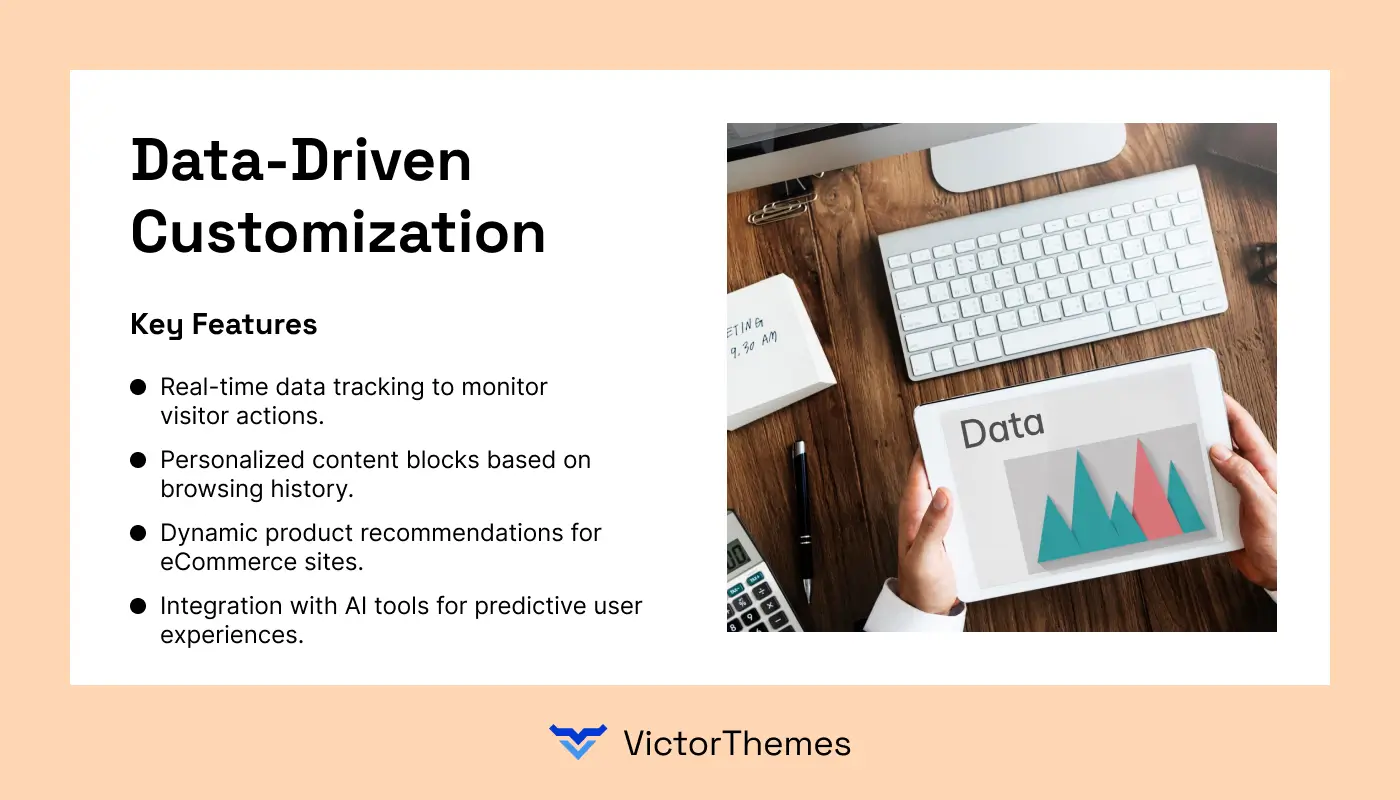
10. Data-Driven Customization
Trend Highlight
Data-Driven Customization is transforming WordPress design in 2026 by using analytics and user behavior insights to deliver highly personalized website experiences. This approach tailors layouts, content, and features based on visitor preferences, ensuring every interaction feels relevant and engaging.
Key Features
- Real-time data tracking to monitor visitor actions.
- Personalized content blocks based on browsing history.
- Dynamic product recommendations for eCommerce sites.
- Integration with AI tools for predictive user experiences.
Why Use It
- Boosts engagement by showing users what they value most.
- Improves conversion rates through tailored suggestions.
- Enhances overall user satisfaction with adaptive designs.
Pricing
Setting up data-driven customization can be achieved using advanced analytics tools and plugins, with costs ranging from free options to $30–$150 for premium solutions offering deeper insights and automation.
4. Tools and Plugins to Implement 2026 Design Trends
Adopting the latest WordPress design trends for 2026 requires the right mix of tools and plugins to ensure smooth integration and optimal performance. From advanced analytics to visual builders, these resources simplify customization and keep your site future-ready.
Essential Tools
- Figma – Design and prototype layouts with collaborative editing.
- Adobe XD – Create interactive wireframes and high-quality mockups.
- Canva – Build stunning visuals and graphics without heavy software.
- Google Analytics 4 – Track user behavior and performance data for personalization.
- Hotjar – Visualize visitor interactions with heatmaps and session recordings.
Key Plugins
- Elementor Pro – Drag-and-drop builder for responsive, trend-ready designs.
- WPBakery Page Builder – Flexible page builder with extensive styling controls.
- Jetpack – Enhances security, performance, and analytics for modern layouts.
- WooCommerce – Perfect for eCommerce trends like AI-powered recommendations.
- Smush – Optimizes images for faster load times and lightweight themes.
- Rank Math SEO – Improves search engine visibility for design-focused pages.
- Advanced Custom Fields (ACF) – Enables data-driven customization with custom layouts.
Why These Matter
- Ensure mobile-first and responsive design execution.
- Support data-driven customization and personalized experiences.
- Allow dark mode, micro-interactions, and immersive scrolling with ease.
- Provide lightweight performance optimization to keep sites fast and user-friendly.
5. Common Mistakes to Avoid When Applying New Designs
Refreshing your WordPress design with 2026 trends is exciting, but it can introduce technical and usability issues if not handled carefully. Here are the top 6 problems and their smart solutions to keep your site fast, functional, and future-ready.
1. Slow Loading Speed
Problem: Heavy visuals, animations, and high-resolution images often slow down your site, frustrating visitors and harming SEO.
Solution: Use a lightweight theme, compress images with tools like Smush or ShortPixel, enable caching plugins such as WP Rocket, and implement a Content Delivery Network (CDN) for faster global loading.
2. Poor Mobile Responsiveness
Problem: A desktop-first approach results in a broken or cluttered mobile experience, which lowers rankings on Google’s mobile-first indexing.
Solution: Choose a mobile-first theme like Astra or GeneratePress, test across devices using Google Mobile-Friendly Test, and apply flexible grids and responsive typography to fit all screen sizes.
3. Excessive Plugin Usage
Problem: Installing too many plugins to achieve trendy effects can cause slow performance, security risks, and compatibility issues.
Solution: Audit your plugins regularly, remove unnecessary ones, and rely on all-in-one tools such as Elementor or Kadence Blocks to minimize bloat.
4. Overloaded Animations & Effects
Problem: Micro-interactions, parallax scrolling, and motion graphics can distract users and significantly increase page load times.
Solution: Keep animations minimal and purposeful, use CSS-based effects instead of heavy JavaScript, and test speed with GTmetrix or PageSpeed Insights after each update.
5. Weak Accessibility Compliance
Problem: New designs often overlook accessibility, making it hard for users with disabilities to navigate your site.
Solution: Use contrast-friendly color palettes, add alt text to images, ensure keyboard navigation works, and test with plugins like WP Accessibility to meet WCAG standards.
6. Inconsistent Branding
Problem: Following every trend can lead to mismatched colors, fonts, and visuals that confuse visitors and dilute your brand identity.
Solution: Establish a brand style guide, use consistent font and logo placement, and adjust trends so that they complement your brand rather than take its place.
6. Case Studies of Trend-Driven WordPress Success
Adopting modern WordPress design trends isn’t just about staying stylish, it can dramatically improve engagement, conversions, and brand credibility. These real-life case studies show how businesses leveraged 2026-ready design elements to achieve measurable success.
1. TechStartup Hub – AI-Powered Personalization Boosted Engagement
Challenge: The site struggled with low user retention despite steady traffic.
Solution: They integrated AI-driven content personalization using tools like If-So Dynamic Content and WPML, offering custom recommendations based on visitor behavior.
Result: Average session duration increased by 42%, while return visits rose by 30% within three months.
2. EcoFashion Brand – Minimalist Layout Improved Conversions
Challenge: A cluttered homepage caused high bounce rates and distracted customers from key CTAs.
Solution: The team implemented a minimalist, clean layout using the Astra Theme with WooCommerce, focusing on large visuals, white space, and a simple color palette.
Result: Conversion rates jumped by 27%, and cart abandonment dropped significantly after the redesign.
3. Digital Agency – Immersive Scrolling Increased Client Leads
Challenge: The agency’s static website failed to showcase their creative portfolio effectively.
Solution: They adopted immersive scrolling with parallax effects using Elementor and the ScrollMagic plugin, creating a dynamic storytelling experience.
Result: Client inquiries grew by 35%, and average time-on-site doubled.
4. Food Blogger – Dark Mode Integration Enhanced User Comfort
Challenge: Nighttime readers complained about eye strain, leading to lower late-night engagement.
Solution: The blogger introduced a dark mode toggle with the WP Dark Mode plugin, giving visitors control over viewing preferences.
Result: Evening traffic rose by 22%, and social shares spiked due to improved readability.
5. SaaS Platform – Data-Driven Customization Increased Sign-Ups
Challenge: Generic landing pages failed to connect with different user segments.
Solution: They utilized data-driven customization via Google Analytics and Advanced Custom Fields, delivering tailored content based on referral source and user behavior.
Result: Free-trial sign-ups improved by 40%, with a notable increase in targeted email opt-ins.
6. Photography Portfolio – Creative Typography Strengthened Branding
Challenge: The brand lacked a distinctive visual identity, blending in with competitors.
Solution: They introduced custom typography and bold headline animations using Adobe Fonts and Elementor Pro.
Result: Direct inquiries for projects climbed by 25%, and the portfolio’s unique aesthetic attracted collaborations with high-profile brands.
Conclusion
Adapting your website to the latest 2026 WordPress design trends ensures it remains engaging, functional, and aligned with user expectations. Implementing features like AI-powered personalization, dark mode, and immersive scrolling can significantly improve visitor interaction while reinforcing your brand identity.
Even small adjustments, such as minimalist layouts or subtle micro-interactions, can boost conversions, increase session duration, and strengthen overall user satisfaction.
Ensuring responsive design, optimized performance, and accessibility guarantees a smooth experience across devices and browsers. Leveraging data-driven customization allows your site to deliver personalized content that resonates with each visitor, enhancing relevance and loyalty.
Continuous monitoring, testing, and refinement help maintain a website that is both visually modern and technically robust.
By combining thoughtful design, performance optimization, and user-centered strategies, your WordPress site can remain competitive, foster engagement, and consistently deliver measurable results in the evolving digital landscape.
“Transform your WordPress site with modern design and optimized performance.
Book a free consultation & create a fast, engaging, and conversion-ready website.”
FAQ
1. How can I implement 2026 WordPress design trends effectively?
Use modern themes, page builders like Elementor, and optimized plugins while ensuring responsive layouts and performance.
2. Will these trends affect my website speed?
If not optimized, animations and 3D effects can slow your site; use caching, lightweight themes, and compressed images.
3. Are these trends suitable for all industries?
Yes, but immersive scrolling and 3D visuals work best for creative or tech-focused sites, while minimalist layouts suit most businesses.
4. Do these design trends improve SEO?
Trends that enhance user experience, responsiveness, and speed indirectly boost search engine rankings.
5. Can multiple trends be applied together safely?
Yes, prioritize trends that match your audience and goals, and avoid excessive animations or plugin conflicts.
6. How do I measure the impact of these design updates?
Track metrics like bounce rate, session duration, conversions, and user engagement using tools like Google Analytics and Hotjar.


Envato
