

The Best WordPress Hosting Providers to Handle Heavy Traffic in 2026

Smart hosting choices make the difference between a slow, unreliable site and a WordPress website that performs flawlessly under heavy traffic.
In 2026, the top WordPress hosting providers will offer advanced technology, including high-speed servers, intelligent caching, and robust security measures, ensuring your site remains stable even during traffic surges.
These providers also deliver excellent uptime, minimizing downtime risks that can harm user experience and revenue. Reliable hosting improves SEO performance, enhances site credibility, and supports a seamless journey for every visitor.
Beyond speed and security, premium hosting solutions provide automated backups, one-click restores, and easy scalability, allowing your site to expand effortlessly as your audience grows.
With managed WordPress hosting, technical maintenance is handled by experts, freeing you to focus on content, marketing, and business growth. Cloud-based infrastructures and flexible plans ensure that even unexpected spikes in traffic are handled without slowdowns or crashes.
Partnering with a smart hosting provider today is an investment in a secure, fast, and scalable WordPress site that will serve your business goals for years to come. A reliable hosting partner not only supports current needs but also future-proofs your website against evolving demands and digital trends.
“Work with our experts for advanced caching, fast hosting, and optimized resources.
Schedule your free 15-minute strategy session.”
Table of Contents
- What is Hosting?
- Why WordPress Hosting Matters in 2026?
- Key Features to Look For in High-Traffic Hosting
- Top WordPress Hosting Providers for Heavy Traffic
- Managed vs Shared Hosting: Which is Right for You?
- Pricing Comparison of Top Hosting Providers
- How to Migrate to a High-Performance Host?
- Case Studies / Real-Life Hosting Success
1. What is Hosting?

Hosting is a service that allows individuals and businesses to publish their websites on the internet. A web host provides the technology and servers needed to store website files, including content, images, and databases, making them accessible to visitors 24/7. Hosting ensures that your website loads quickly, remains secure, and stays online even during periods of high traffic.
There are various types of hosting services, including shared hosting, VPS hosting, cloud hosting, and dedicated servers, each offering different levels of performance, control, and scalability. Choosing the right hosting solution is essential for maintaining website speed, reliability, and overall user experience.
Proper hosting also impacts SEO, site security, and the ability to handle traffic spikes, making it a critical component of any successful online presence.
2. Why WordPress Hosting Matters in 2026?
In 2026, selecting a hosting provider for a WordPress site that experiences heavy traffic requires careful planning and evaluation. Reliable hosting ensures fast page loads, strong security, consistent uptime, and seamless scalability.
These features enhance user experience, protect sensitive information, and improve SEO performance. Investing in the right hosting solutions prevents downtime during traffic spikes and supports long-term website growth.
Top Features to Consider:
1. High-Performance Servers – Deliver fast loading speeds even under heavy traffic.
2. Scalability Options – Easily expand resources as your audience grows.
3. Advanced Security Measures – Guard against malware, hacks, and DDoS attacks.
4. Consistent Uptime – Ensure your site remains accessible at all times.
5. Automated Backups – Quickly restore your site in case of issues or data loss.
6. Expert Technical Support – Access to knowledgeable support for troubleshooting and maintenance.
3. Key Features to Look For in High-Traffic Hosting
Running a WordPress site with heavy traffic in 2026 demands hosting that delivers speed, reliability, and security. The right hosting ensures pages load quickly, uptime is maximized, and your website can scale seamlessly as traffic increases.
Strong security features protect sensitive data while automated tools simplify maintenance. Investing in high-quality hosting enhances SEO performance, user experience, and long-term website growth.
Essential Features:
-
High-Performance Servers – Fast page loading even during peak traffic.
-
Scalability Options – Easily upgrade resources as your site grows.
-
Advanced Security Measures – Protection against malware, hacks, and DDoS attacks.
-
Reliable Uptime – Keep your site accessible at all times.
-
Automated Backups – Quick recovery from errors or data loss.
-
Expert Technical Support – Access to knowledgeable support when needed.
4. Top WordPress Hosting Providers For Heavy Traffic
1. Bluehost
Bluehost is one of the most popular WordPress hosting providers, known for its reliable performance and beginner-friendly features. It offers optimized servers for WordPress, strong security, and scalable plans for growing websites. Bluehost ensures consistent uptime and supports high-traffic sites efficiently.

Why I Consider:
- Officially recommended by WordPress.org.
- Easy-to-use dashboard for beginners.
- Free SSL certificate included.
- 24/7 customer support.
- Affordable pricing plans.
Why I Do Not Consider
- Renewal rates can be high.
- Limited advanced features for large-scale sites.
- Some plans have resource restrictions.
2. SiteGround
SiteGround provides fast and secure WordPress hosting with excellent customer support and managed features. It uses advanced caching and SSD storage for optimized site performance. The hosting plans are scalable, making it suitable for websites expecting high traffic.
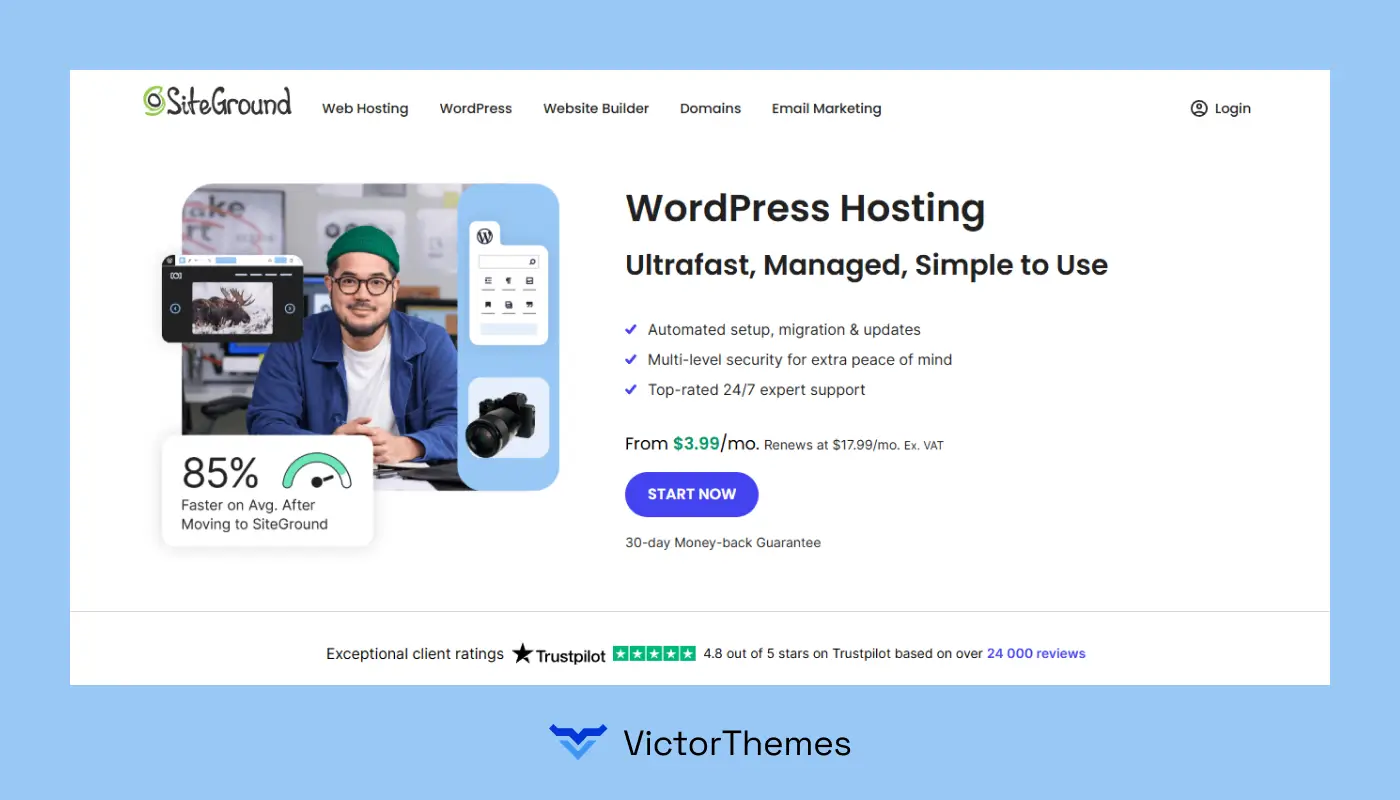
Why I Consider
- Managed WordPress hosting included.
- Free daily backups and SSL.
- High-performance servers with caching.
- Excellent customer support.
- Strong security measures.
Why I Do Not Consider
- Pricing increases significantly after the first term.
- Limited storage on basic plans.
- Some advanced tools are reserved for higher tiers.
3. WP Engine
WP Engine is a premium managed WordPress host designed for high-traffic and enterprise-level sites. It focuses on speed, security, and developer-friendly tools to optimize WordPress performance.

Why I Consider
- Enterprise-grade security and monitoring.
- Staging and development environments.
- Automated backups and updates.
- High-speed servers for heavy traffic.
- Excellent support for WordPress.
Why I Do Not Consider
- Expensive compared to shared hosting.
- Limited email hosting.
- Not beginner-friendly for non-technical users.
4. Kinsta
Kinsta is a cloud-based managed WordPress hosting provider powered by Google Cloud. It delivers superior performance, security, and scalability for high-traffic websites.
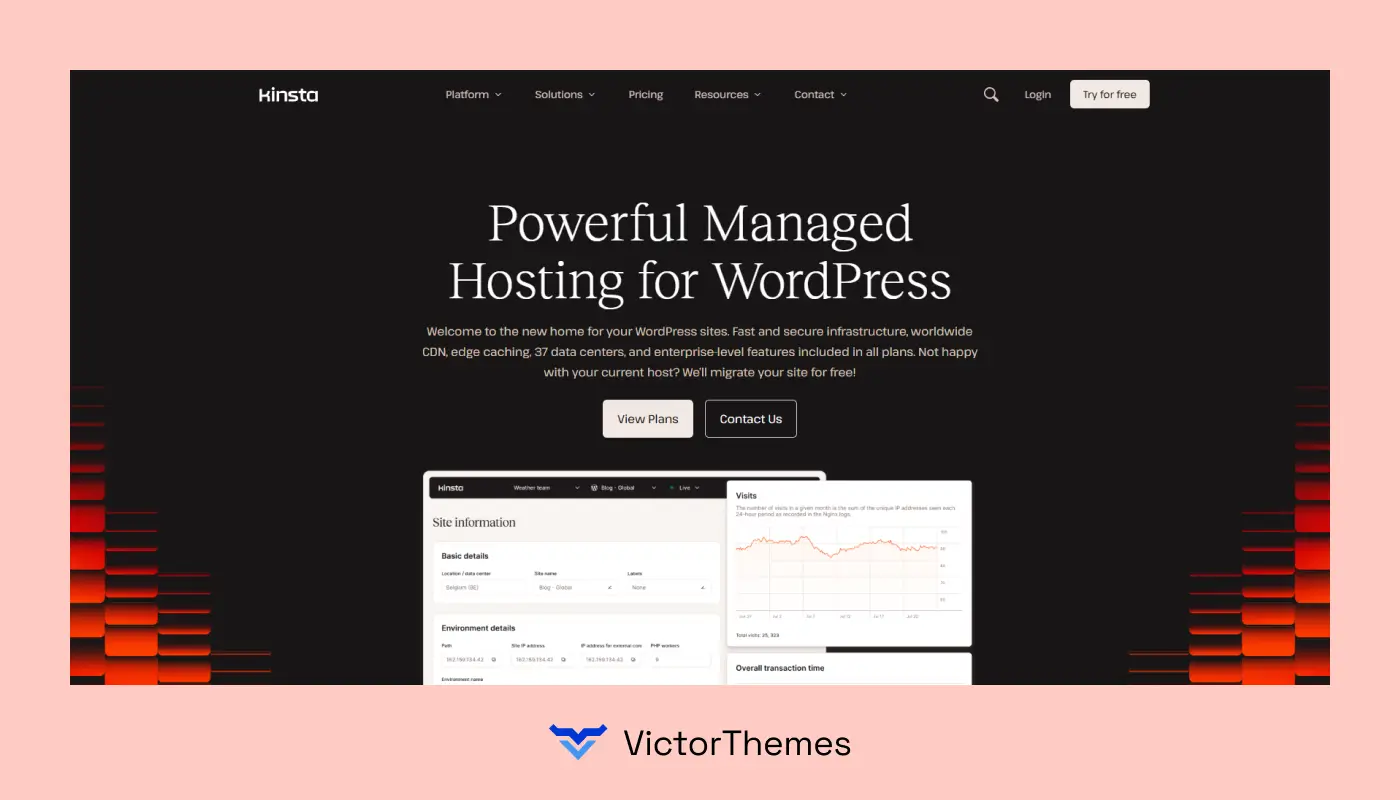
Why I Consider
- Powered by Google Cloud Platform.
- Automatic daily backups.
- Free SSL and CDN integration.
- Excellent uptime and speed.
- Developer-friendly tools and staging environments.
Why I Do Not Consider
- Higher price point than traditional hosting.
- Limited plan flexibility for small sites.
- No domain registration service.
5. GoDaddy WordPress Hosting
GoDaddy offers managed WordPress hosting with a simple setup and good scalability for growing websites. It focuses on ease of use and provides essential performance features for moderate to high traffic.
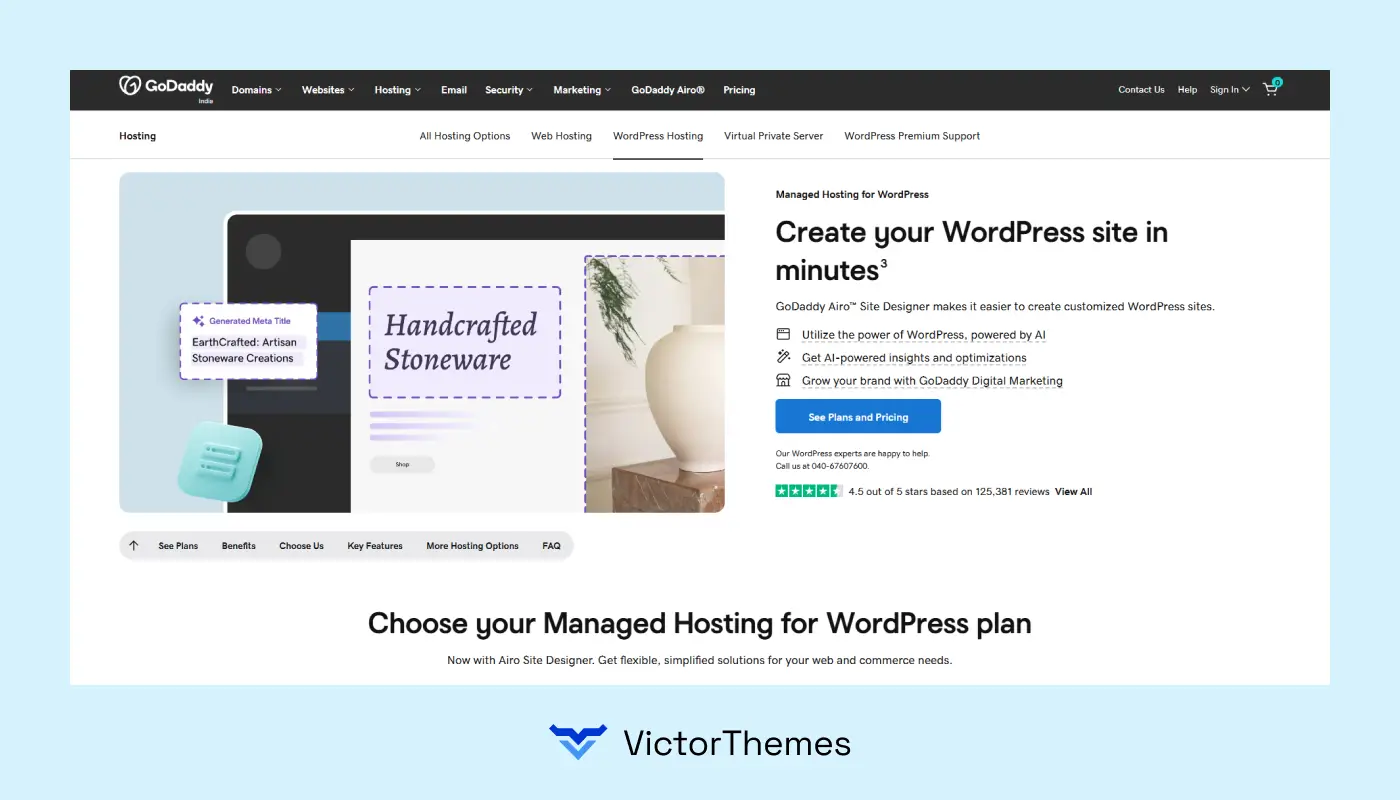
Why I Consider
- Beginner-friendly interface.
- Automatic WordPress updates.
- Integrated security features.
- 24/7 customer support.
- Global data centers for faster load times.
Why I Do Not Consider
- Performance can lag compared to premium hosts.
- Add-ons may increase overall cost.
- Less advanced developer tools.
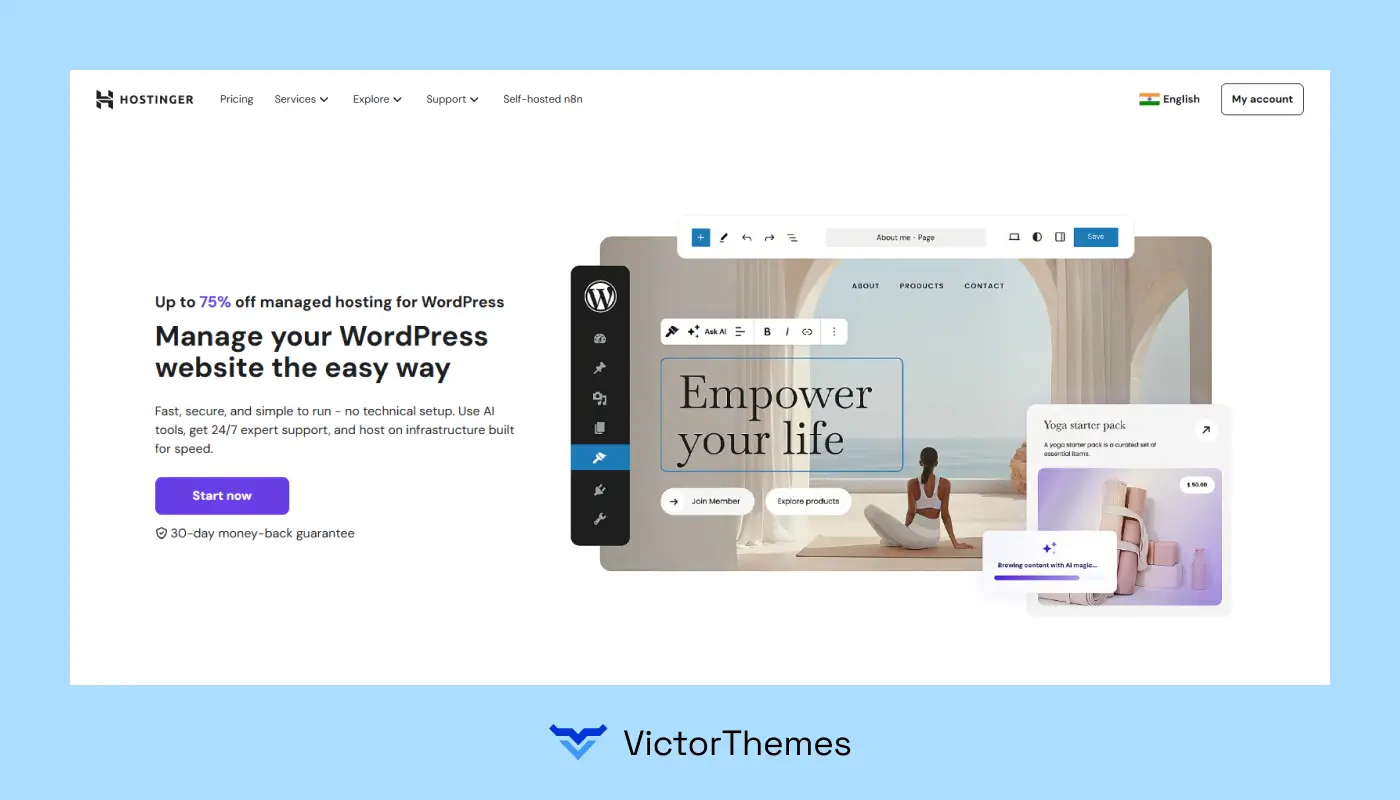
6. Hostinger
Hostinger is an affordable hosting solution with optimized WordPress plans suitable for sites expecting moderate to heavy traffic. It balances price, speed, and features effectively.
Why I Consider
- Extremely budget-friendly plans.
- Free SSL and daily/weekly backups.
- Optimized WordPress servers for speed.
- Easy-to-use hPanel dashboard.
- Good uptime and performance.
Why I Do Not Consider
- Support can be slower than premium hosts.
- Limited advanced features for enterprise sites.
- Basic plans have restricted resources.
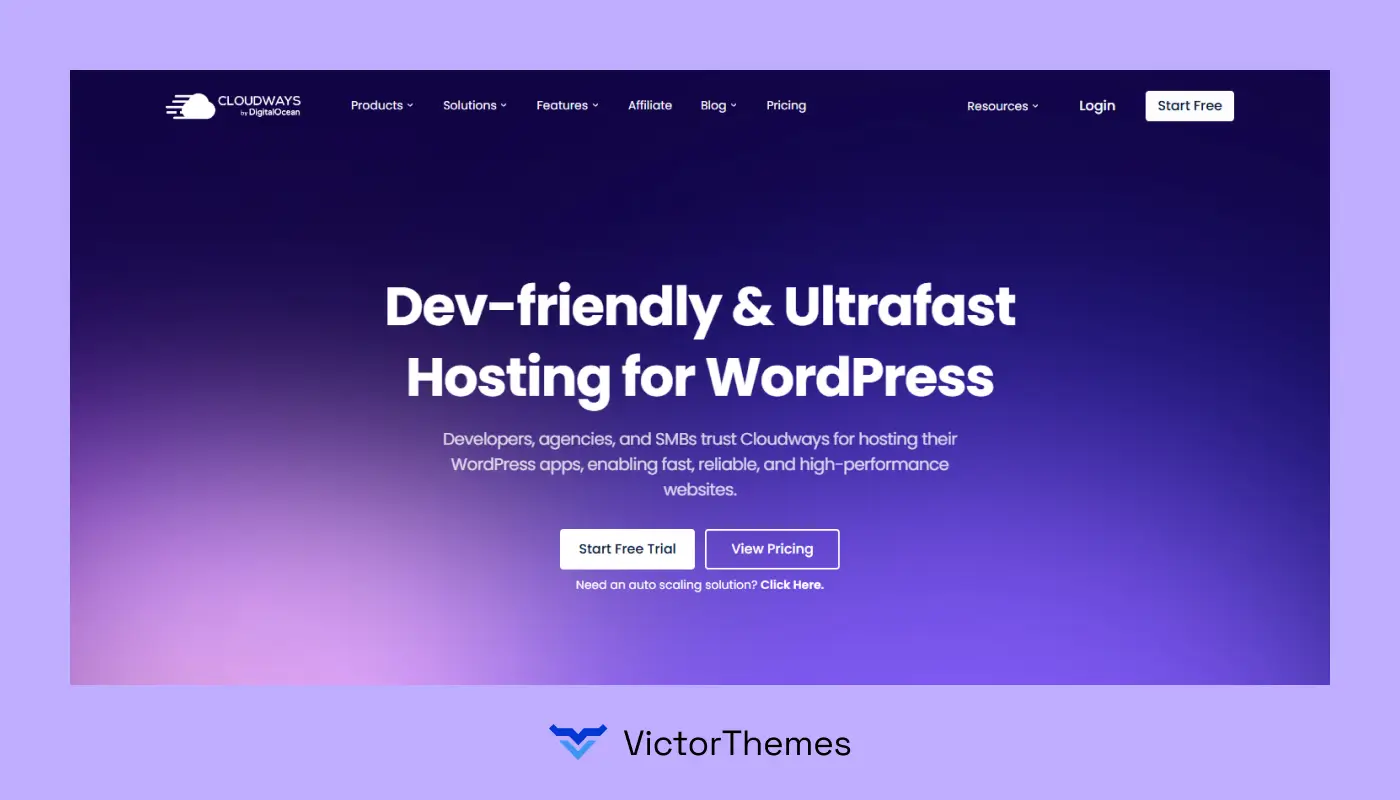
7. Cloudways
Cloudways is a managed cloud hosting platform offering flexibility and scalability for high-traffic WordPress sites. It allows choosing from multiple cloud providers like AWS, Google Cloud, and DigitalOcean.
Why I Consider
- Highly scalable and flexible cloud hosting.
- Multiple cloud provider options.
- Optimized servers with caching and CDN.
- Daily backups and strong security.
- Developer-friendly environment.
Why I Do Not Consider
- No domain registration service.
- It can be complex for beginners.
- Pricing can be higher depending on the cloud provider.
5. Managed vs Shared Hosting: Which is Right For You?
Scenario 1 – Personal Blog:
- Hosting: Shared Hosting.
- Why: Low traffic, budget-friendly, easy to set up.
- Trade-Off: Slower load times if traffic spikes unexpectedly.
Scenario 2 – Small Business Website:
- Hosting: Shared Hosting.
- Why: Affordable, simple management, suitable for limited traffic.
- Trade-Off: Limited resources and basic security features.
Scenario 3 – Growing E-Commerce Store:
- Hosting: Managed Hosting.
- Why: High traffic, dedicated resources, advanced security.
- Trade-Off: Higher cost, but ensures reliable performance.
Scenario 4 – News or Magazine Site:
- Hosting: Managed Hosting.
- Why: Frequent content updates, unpredictable traffic surges, and a need for uptime reliability.
- Trade-Off: Requires more investment but handles spikes seamlessly.
Scenario 5 – Membership or Subscription Site:
- Hosting: Managed Hosting.
- Why: Security and speed are critical for user accounts and payments.
- Trade-Off: More expensive but necessary to protect data and performance.
Scenario 6 – Startup or MVP Website:
- Hosting: Shared Hosting.
- Why: Cost-effective, easy to launch quickly, and sufficient for initial traffic.
- Trade-Off: Limited scalability; may require upgrade as the startup grows.
6. Pricing Comparison of Top Hosting Providers
Hosting plans differ in resources, support, and pricing. Choosing the right tier ensures your WordPress site performs optimally under high traffic while maintaining speed, uptime, and security.

Budget-Friendly Options
- Bluehost Basic – $2.95/month
Perfect for personal blogs or small sites. Includes a free domain for the first year, SSL certificate, and beginner-friendly dashboard. - Hostinger Single – $2.99/month
Cost-effective plan for small websites. Offers SSD storage, free SSL, and an easy-to-use hPanel dashboard.
Why Consider
- Affordable entry-level plans.
- Easy setup for beginners.
- Essential security features are included.
Why Not Consider
- Limited resources for traffic spikes.
- Basic support compared to premium plans.
- May require upgrades as traffic grows.
Mid-Tier Plans
- SiteGround GrowBig – $7.49/month
Suitable for growing businesses. Includes unlimited websites, 20GB storage, daily backups, and caching for better speed. - GoDaddy Deluxe – $10.99/month
Ideal for small business websites. Includes 1 website, 75GB storage, a free domain for the first year, and integrated security features.
Why Consider
- Scalable resources for growing sites.
- Daily backups and security included.
- Better performance than entry-level plans.
Why Not Consider
- Pricing increases after the first term.
- Storage or bandwidth may be limited for very high traffic.
- Some advanced features are reserved for higher-tier plans.
Premium Plans
- WP Engine Professional – $39/month
Managed hosting for high-traffic websites. Includes automated backups, high-performance servers, and WordPress-specialized support. - Kinsta Business 1 – $115/month
Cloud-based, Google Cloud-powered plan for growing or enterprise sites. Includes daily backups, CDN integration, and enhanced uptime. - Cloudways Vultr High Frequency – $22/month
Flexible cloud hosting with advanced caching, SSD storage, and multiple cloud provider options.
Why Consider
- High performance and reliability.
- Managed features like automated updates and backups.
- Dedicated support for WordPress and heavy traffic.
Why Not Consider
- Higher cost than shared hosting.
- It may be complex for beginners.
- Some features may be unnecessary for small sites.
7. How to Migrate to a High-Performance Host?

Step 1 – Choose the Right Host
- Research hosting providers based on speed, uptime, security, and scalability.
- Select a plan that matches your website’s traffic and resource needs.
Step 2 – Backup Your Website
- Create a full backup of your WordPress files, themes, plugins, and database.
- Use plugins like UpdraftPlus, All-in-One WP Migration, or your current host’s backup tool.
Step 3 – Prepare the New Hosting Environment
- Set up your new hosting account and ensure PHP, MySQL, and WordPress versions are compatible.
- Configure SSL, CDN, and caching if included in the plan.
Step 4 – Transfer Your Files and Database
- Upload your backup files to the new host using FTP/SFTP or migration plugins.
- Import the database to the new server using phpMyAdmin or automated tools.
Step 5 – Update Domain Settings
- Point your domain to the new server by updating the DNS records.
- Verify propagation using tools like DNS Checker (may take up to 24–48 hours).
Step 6 – Test Your Website
- Check all pages, links, images, and functionality on the new host.
- Ensure forms, payment gateways, and plugins work correctly.
Step 7 – Optimize Performance
- Enable caching, CDN, and image optimization.
- Test loading speed using tools like Google PageSpeed Insights or GTmetrix.
Step 8 – Monitor and Maintain
- Regularly check uptime, speed, and security settings.
- Schedule automated backups and updates on the new host.
8. Case Studies / Real-Life Hosting Success
Case Study 1 – E-Commerce Growth with WP Engine

Challenge
An online store faced slow loading times during peak sales, leading to high cart abandonment.
Solution
Migrated to WP Engine managed hosting with dedicated resources and optimized caching.
Results
- Page load speed improved by 65%.
- Cart abandonment reduced by 30%.
- Uptime maintained at 99.99%.
Case Study 2 – Blog Performance Boost with Bluehost
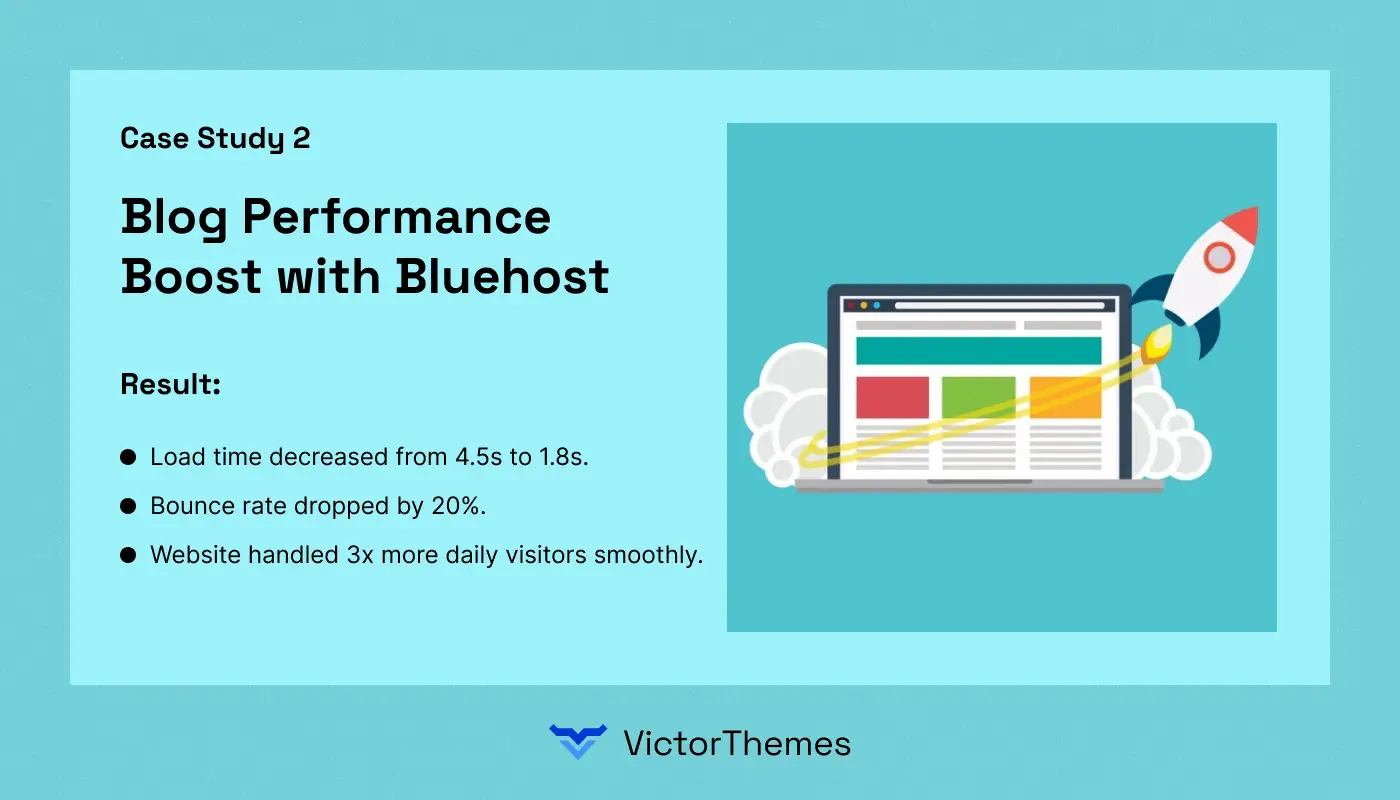
Challenge
A personal blog struggled with slow performance and downtime during traffic spikes.
Solution
Upgraded to the Bluehost Plus plan with SSD storage and optimized servers.
Results
- Load time decreased from 4.5s to 1.8s.
- Bounce rate dropped by 20%.
- Website handled 3x more daily visitors smoothly.
Case Study 3 – Corporate Website Security with Kinsta

Challenge
A corporate site faced vulnerabilities and slow performance.
Solution
Migrated to Kinsta, Google Cloud-powered managed hosting with daily backups and enhanced security.
Results
- Zero security breaches after migration.
- 50% faster page speed.
- Scalable infrastructure supported growing traffic.
Case Study 4 – Startup Scalability with Cloudways
Challenge
A SaaS startup needed hosting that could handle rapid growth and unpredictable traffic.
Solution
Used Cloudways Vultr High Frequency cloud hosting for flexibility and performance.
Results
- Reduced server response time by 70%.
- Seamless traffic scaling during product launch.
- Developers gained more control over server configurations.
Case Study 5 – Small Business Reliability with SiteGround

Challenge
A local business website experienced frequent downtime, affecting customer engagement.
Solution
Migrated to SiteGround GrowBig plan with advanced caching and daily backups.
Results
- Uptime increased to 99.99%.
- Load time improved by 40%.
- Customer inquiries rose due to reliable website performance.
Case Study 6 – Budget-Friendly Hosting For Multiple Sites with Hostinger

Challenge
An agency managing multiple small client sites needed affordable hosting without sacrificing performance.
Solution
Upgraded to Hostinger Premium plan with SSD storage and free SSL certificates for all sites.
Results
- Managed 10+ client sites efficiently.
- Page speed improved for all websites.
- Reduced hosting costs by 50% compared to the previous provider.
Conclusion
Migrating to a high-performance WordPress host in 2026 is essential for maintaining speed, security, and handling growing traffic.
Case studies clearly demonstrate that selecting the right hosting provider improves website performance, reduces downtime, and enhances the overall user experience.
For businesses, startups, and high-traffic websites, implementing caching solutions along with managed or cloud hosting ensures faster page loads, smooth scalability, and optimized server resources.
Using caching at both the server and browser levels significantly reduces load times, improves site efficiency, and provides a seamless experience for visitors.
Partnering with professional WordPress developers allows you to implement advanced caching strategies, optimize performance, and strengthen website security.
This approach ensures your website remains reliable, fast, and fully capable of handling increasing visitor traffic while supporting business growth and online engagement.
“Work with our experts for advanced caching, fast hosting, and optimized resources.
Schedule your free 15-minute strategy session.”
FAQ
1. Why is high-performance hosting important for WordPress sites?
High-performance hosting ensures faster loading times, better security, and the ability to handle high traffic without downtime.
2. How does caching improve website speed?
Caching stores frequently accessed content, reducing server load and speeding up page delivery for visitors.
3. Can I migrate my WordPress site without downtime?
Yes, with proper planning, backups, and migration tools, your site can be moved seamlessly with minimal downtime.
4. Are managed WordPress hosts worth the cost?
Managed hosting provides optimized performance, automatic updates, backups, and expert support, making it ideal for high-traffic or business-critical sites.
5. Which hosting is best for scaling websites?
Cloud-based and high-performance managed hosts like Kinsta, WP Engine, and Cloudways allow easy scalability as traffic grows.
6. Do I need a WordPress developer to optimize hosting and caching?
While possible on your own, a professional ensures proper caching setup, performance optimization, and secure configuration, reducing risks.


Envato
